

Cloudlifter CL-1 Mic Activator
A little metal box that gives gain-hungry dynamic mics +25dB of clean boost. The difference between cranking your interface into hiss territory and a signal that just sounds right.
Check it out on Amazon!A thumb-drive-sized dongle that turns any camera with clean HDMI out into a 4K webcam. Your mirrorless finally earns its keep on Zoom.
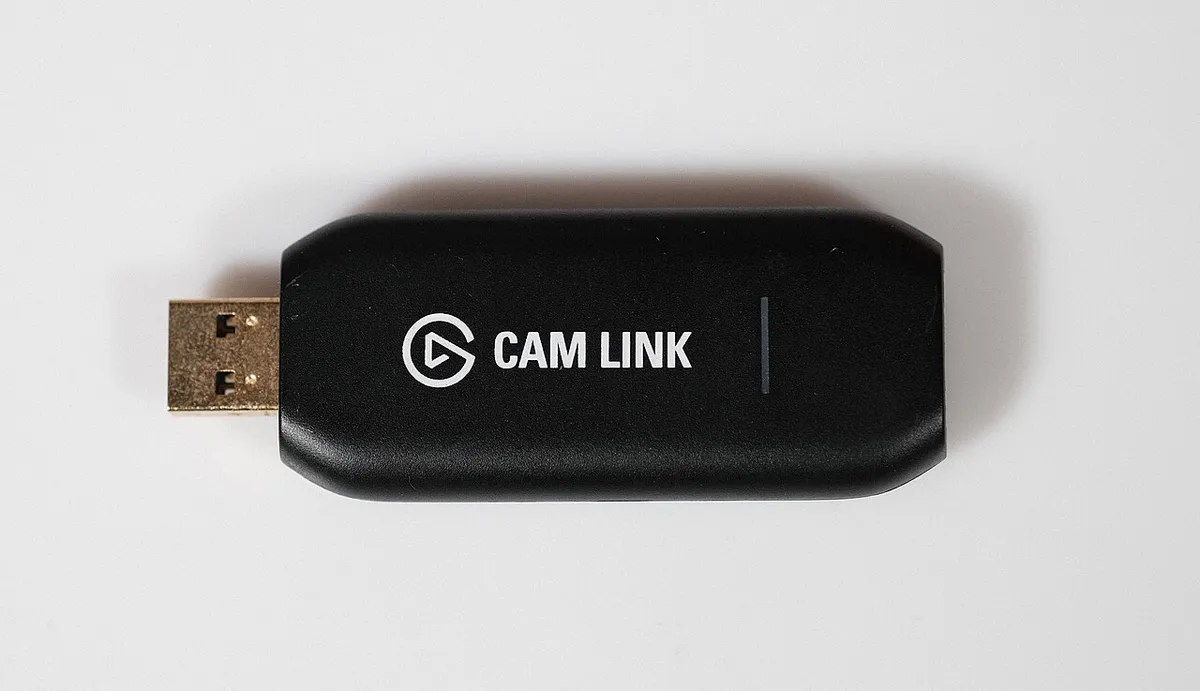
Webcams are a compromise: tiny sensors, muddy low light, and that slightly sad laptop-camera look. The Cam Link 4K sidesteps the whole category by letting the camera you already own do the job. Plug its HDMI output into the dongle, the dongle into a USB 3 port, and your mirrorless shows up in OBS, Zoom, or Teams as a standard webcam — up to 4K30, or 1080p60 if you want smoother motion. No drivers, no capture software, no power brick.
The difference is not subtle. A real sensor with a real lens gives you actual depth of field, clean skin tones, and low-light performance that no $100 webcam touches. Latency is low enough that it works fine for live monitoring, and it’s been the reliable default in this category for years while cheap clones flake out mid-stream.
Two honest caveats. First, it runs warm — not alarmingly hot, but you’ll notice it after a three-hour stream, so give it some air instead of burying it behind the PC. Second, compatibility: your camera needs a clean HDMI output (no menu overlays burned in, no HDCP), and some older bodies shut off or overlay UI elements. Check your specific model before buying — and if your current webcam is fine, this is $130 of nice-to-have, not need.
A little metal box that gives gain-hungry dynamic mics +25dB of clean boost. The difference between cranking your interface into hiss territory and a signal that just sounds right.
Check it out on Amazon!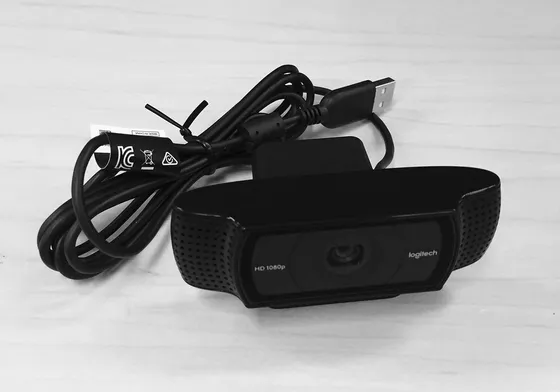
A 1080p60 webcam with a Sony sensor, a prime lens, and DSLR-style software controls. The closest thing to a mirrorless look without buying a mirrorless.
Check it out on Amazon!
A wrinkle-free chroma wall that pulls up out of its own case in seconds and disappears just as fast. The green screen for people who can't dedicate a wall to being green.
Check it out on Amazon!