

Cloudlifter CL-1 Mic Activator
A little metal box that gives gain-hungry dynamic mics +25dB of clean boost. The difference between cranking your interface into hiss territory and a signal that just sounds right.
Check it out on Amazon!Fifteen LCD keys that turn scene switches, source toggles, and multi-step macros into single button presses. The difference between fumbling OBS mid-stream and running the show like you planned it.
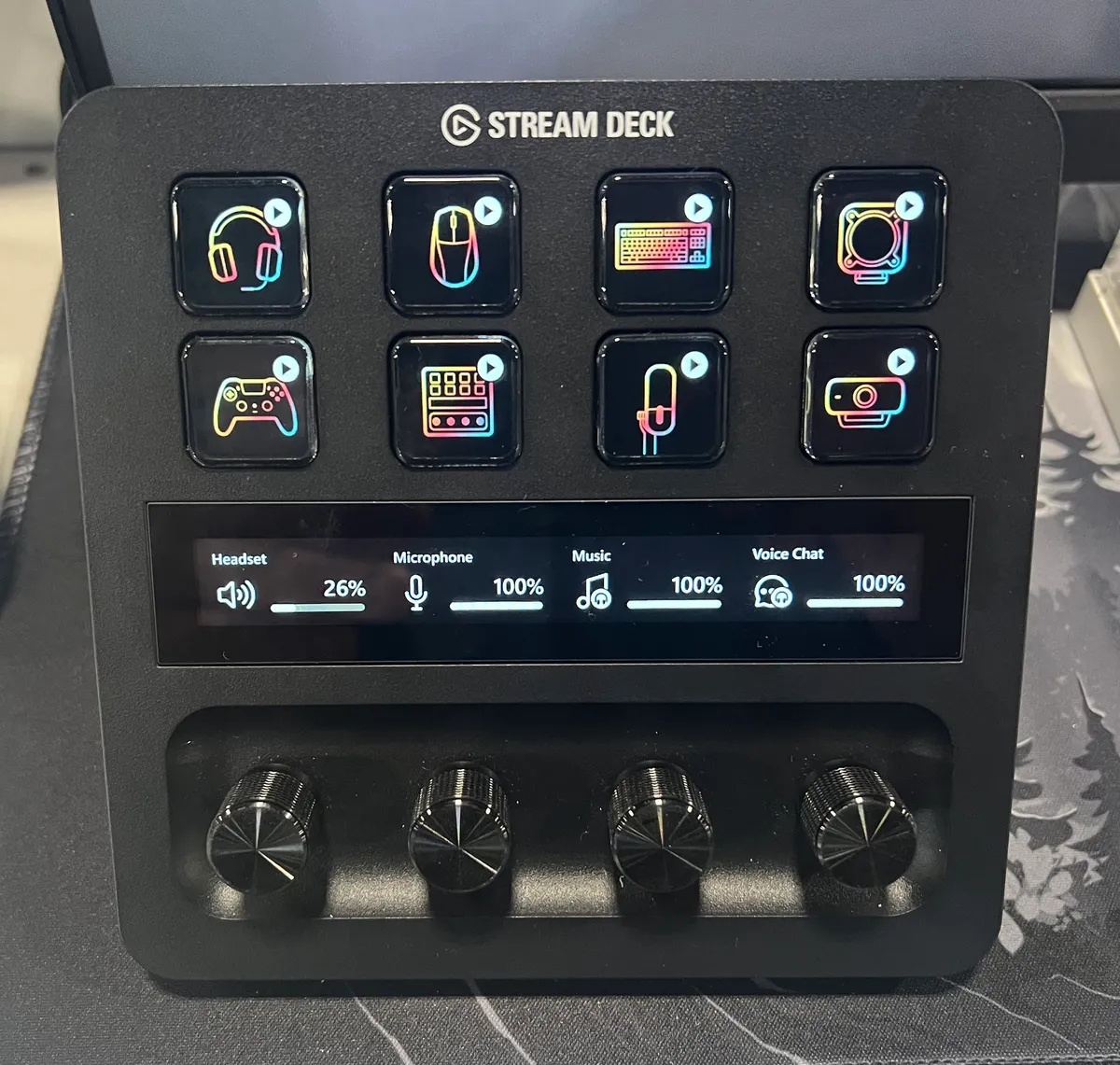
Every streamer hits the same wall: you’re live, you need to switch scenes, mute the mic, drop a clip marker, and trigger a sound effect, and OBS hotkeys mean alt-tabbing or memorizing key chords you’ll fat-finger on camera. The Stream Deck MK.2 puts fifteen LCD keys on your desk, each showing a custom icon, each able to fire a single action or a whole chain of them. Scene switches, source toggles, tweet templates, lighting changes — one press.
The trick that makes fifteen keys feel like hundreds is folders and multi-actions. One key opens a folder of audio controls, another runs a “going live” sequence that flips scenes, starts the countdown overlay, and posts to chat in one tap. The OBS and Twitch integrations are genuinely deep, and the plugin store covers everything from Philips Hue to Spotify. Build quality is solid, the detachable stand holds a good typing-adjacent angle, and the faceplate pops off if you want a different look.
The honest caveat: the software asks for an investment. Dragging actions onto keys is easy, but building a setup that actually saves you time mid-stream takes an evening of tinkering, and the deeper integrations have their own quirks. If your whole production is one scene and a mic mute, this is overkill. If you’re juggling a real broadcast, it’s the piece of desk gear you’ll use every single stream.
A little metal box that gives gain-hungry dynamic mics +25dB of clean boost. The difference between cranking your interface into hiss territory and a signal that just sounds right.
Check it out on Amazon!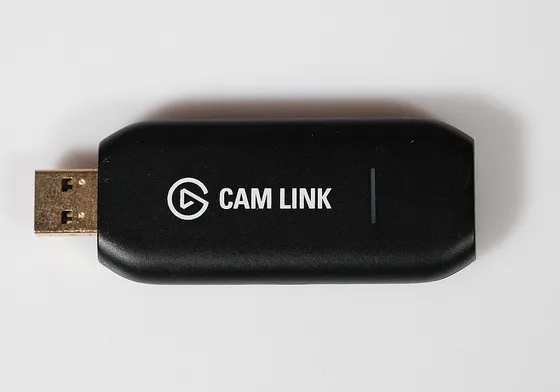
A thumb-drive-sized dongle that turns any camera with clean HDMI out into a 4K webcam. Your mirrorless finally earns its keep on Zoom.
Check it out on Amazon!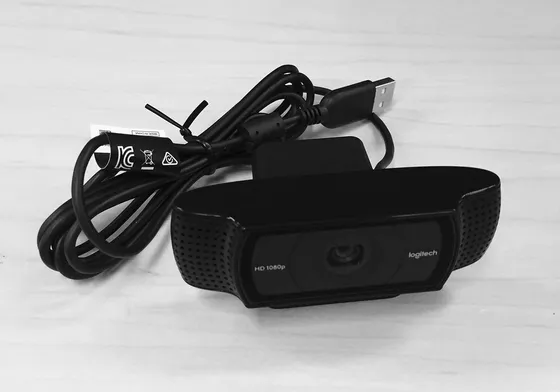
A 1080p60 webcam with a Sony sensor, a prime lens, and DSLR-style software controls. The closest thing to a mirrorless look without buying a mirrorless.
Check it out on Amazon!