

Cloudlifter CL-1 Mic Activator
A little metal box that gives gain-hungry dynamic mics +25dB of clean boost. The difference between cranking your interface into hiss territory and a signal that just sounds right.
Check it out on Amazon!The closest a webcam gets to a DSLR. A 1/1.2-inch sensor delivers real background blur and clean low-light, if your USB port and your wallet can keep up.
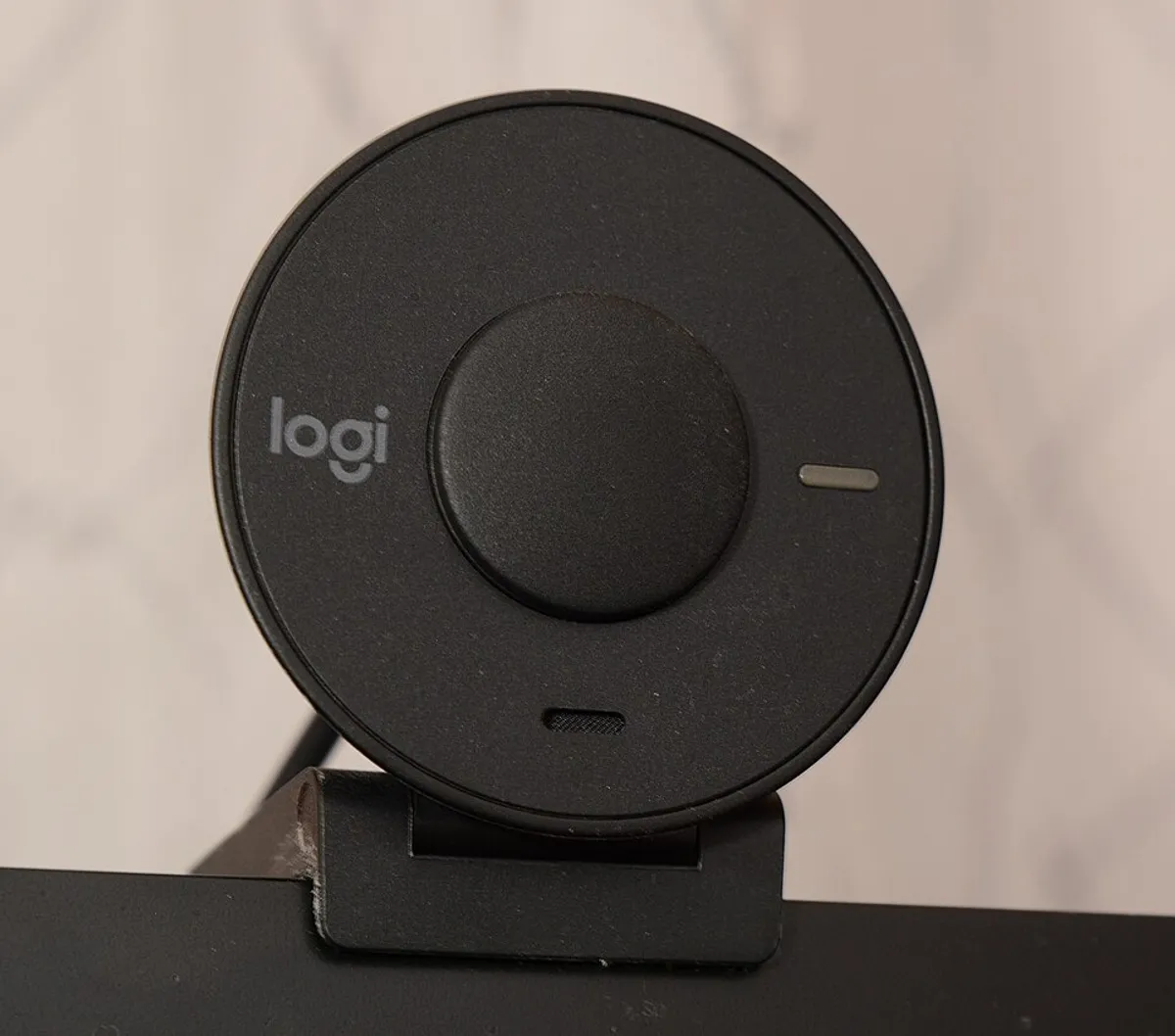
Every webcam review eventually hits the same wall: sensors the size of a pencil eraser can only do so much, so software fills the gap with fake bokeh and aggressive sharpening. The Kiyo Pro Ultra’s answer is brute force — a 1/1.2-inch sensor, several times larger than anything else in the category, behind an f/1.7 lens. The result is footage that genuinely reads like a mirrorless camera: natural depth of field, clean shadow detail, and skin tones that don’t turn to wax the moment your room light dips.
It’s also gloriously simple. Plug in USB-C, pick it in OBS or Discord, and you’re done — no capture card, no HDMI cable, no dummy battery. For a streamer who wants the ‘expensive camera look’ without building an actual camera rig, this is the shortcut that finally works.
The honest caveats: it’s $300, which is used-mirrorless money. It’s a hefty puck that overwhelms a laptop lid. And 4K uncompressed is bandwidth-hungry — on a machine with only USB 2.0 ports or a crowded hub, you’ll be dropping to compressed modes or lower resolutions, which rather defeats the purpose. Check your ports before you check out.
A little metal box that gives gain-hungry dynamic mics +25dB of clean boost. The difference between cranking your interface into hiss territory and a signal that just sounds right.
Check it out on Amazon!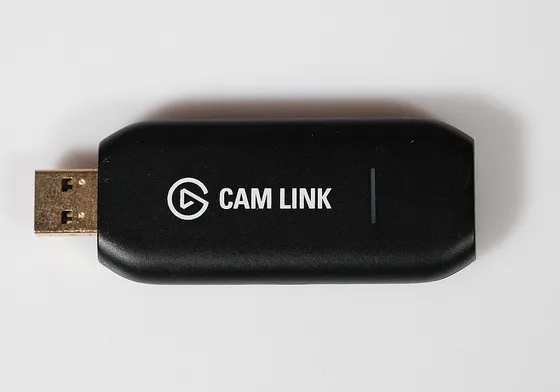
A thumb-drive-sized dongle that turns any camera with clean HDMI out into a 4K webcam. Your mirrorless finally earns its keep on Zoom.
Check it out on Amazon!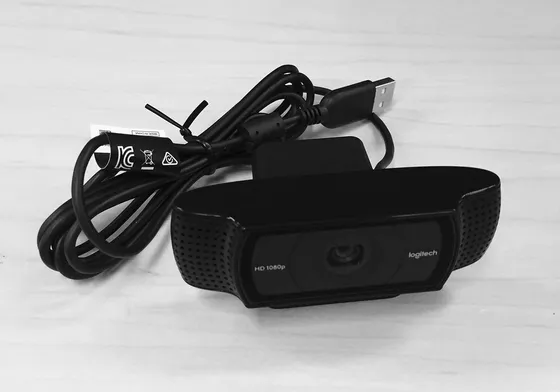
A 1080p60 webcam with a Sony sensor, a prime lens, and DSLR-style software controls. The closest thing to a mirrorless look without buying a mirrorless.
Check it out on Amazon!